A Malchan Product

mcdev.

Spec-driven development in Cursor.

Describe what you want; the agent turns it into requirements, design, and tasks, then you build.

install.sh
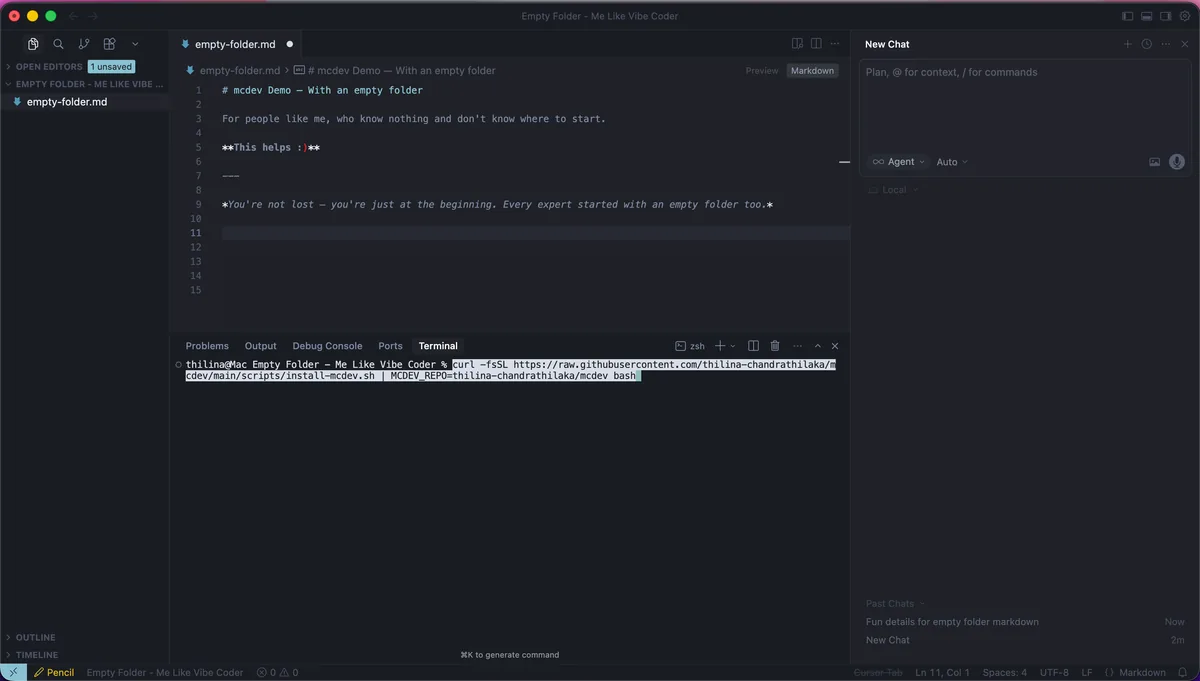
curl -fsSL https://raw.githubusercontent.com/malchan-git/mcdev/main/scripts/install-mcdev.sh | MCDEV_REPO=malchan-git/mcdev bash
Live Demo

Empty Folder to Running App

Watch how mcdev transforms a blank slate into a working application

Cursor: mcdev demo

Loading demo...

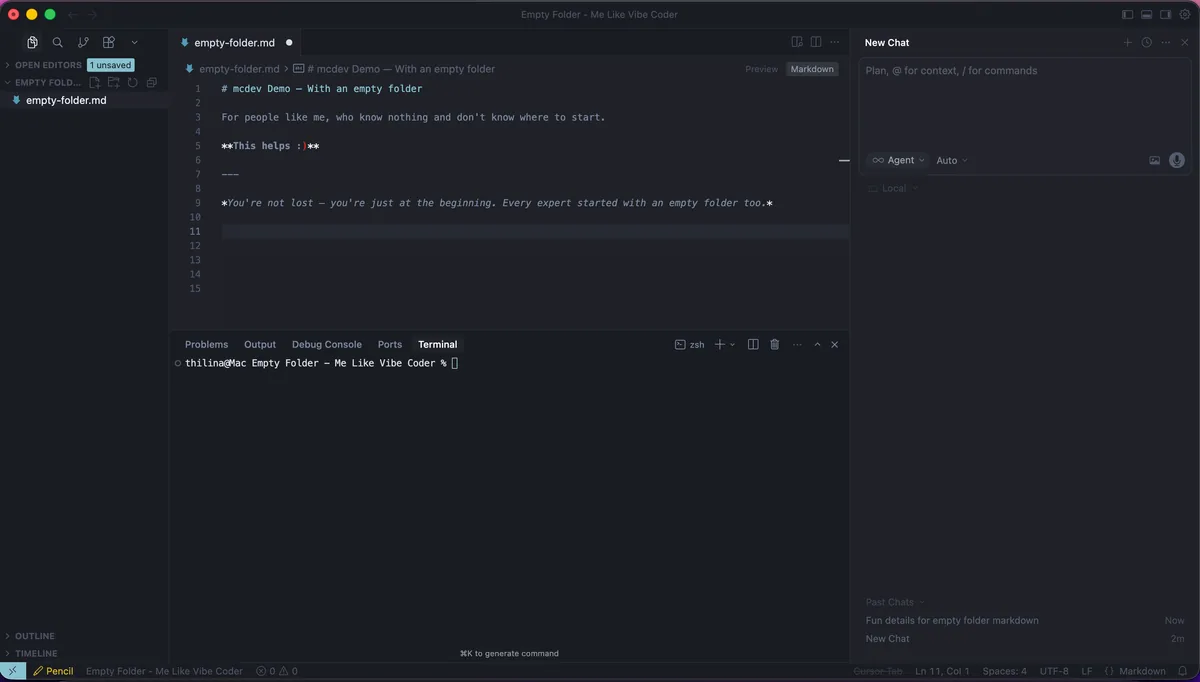
Step 1: Start Fresh
Step 1: Install mcdev
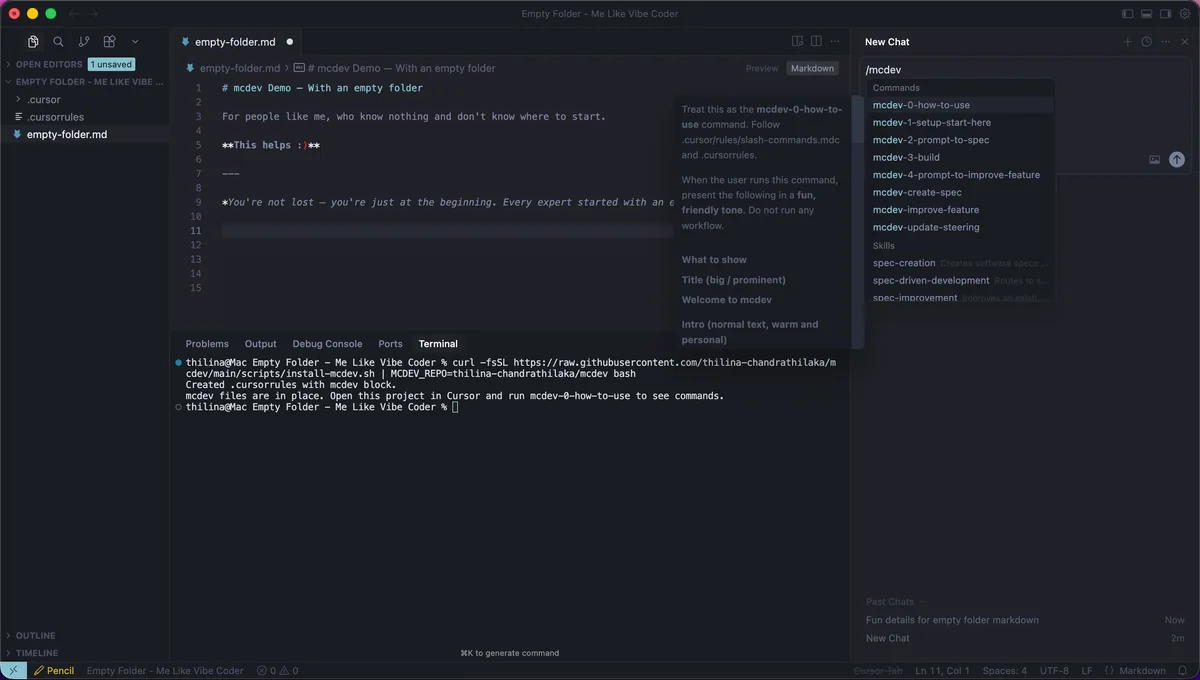
Step 1: Installation Complete
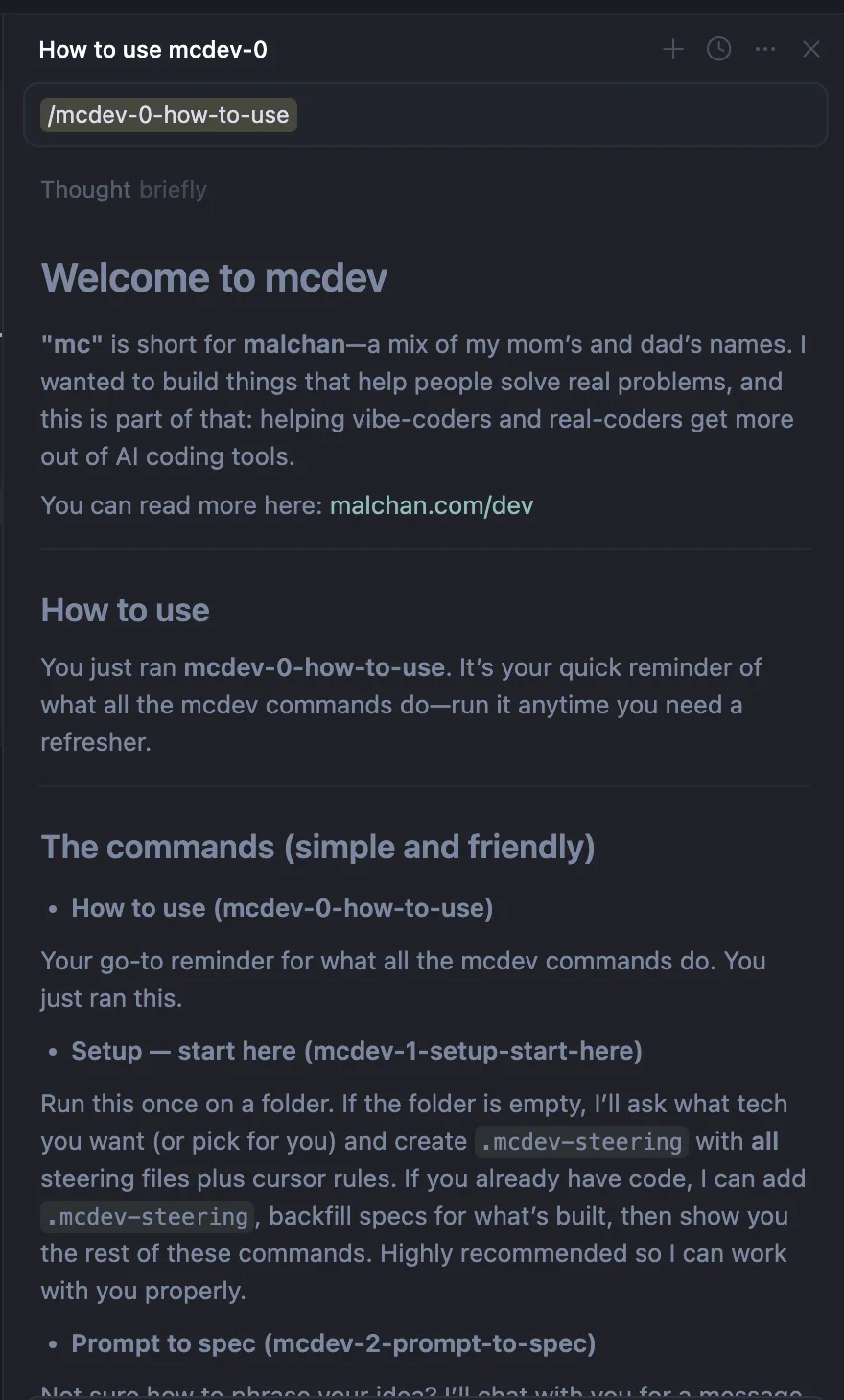
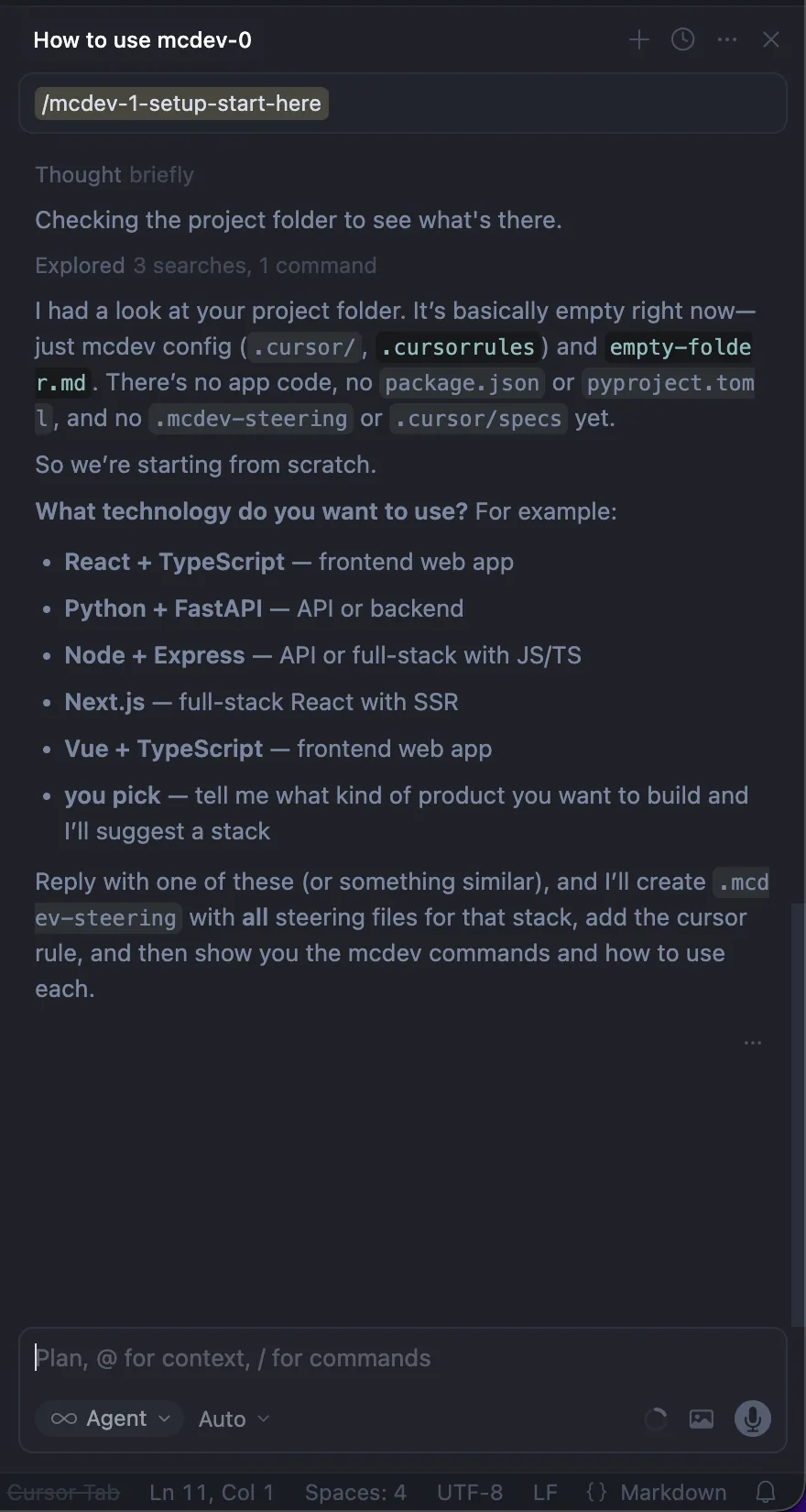
Step 2: Learn Commands
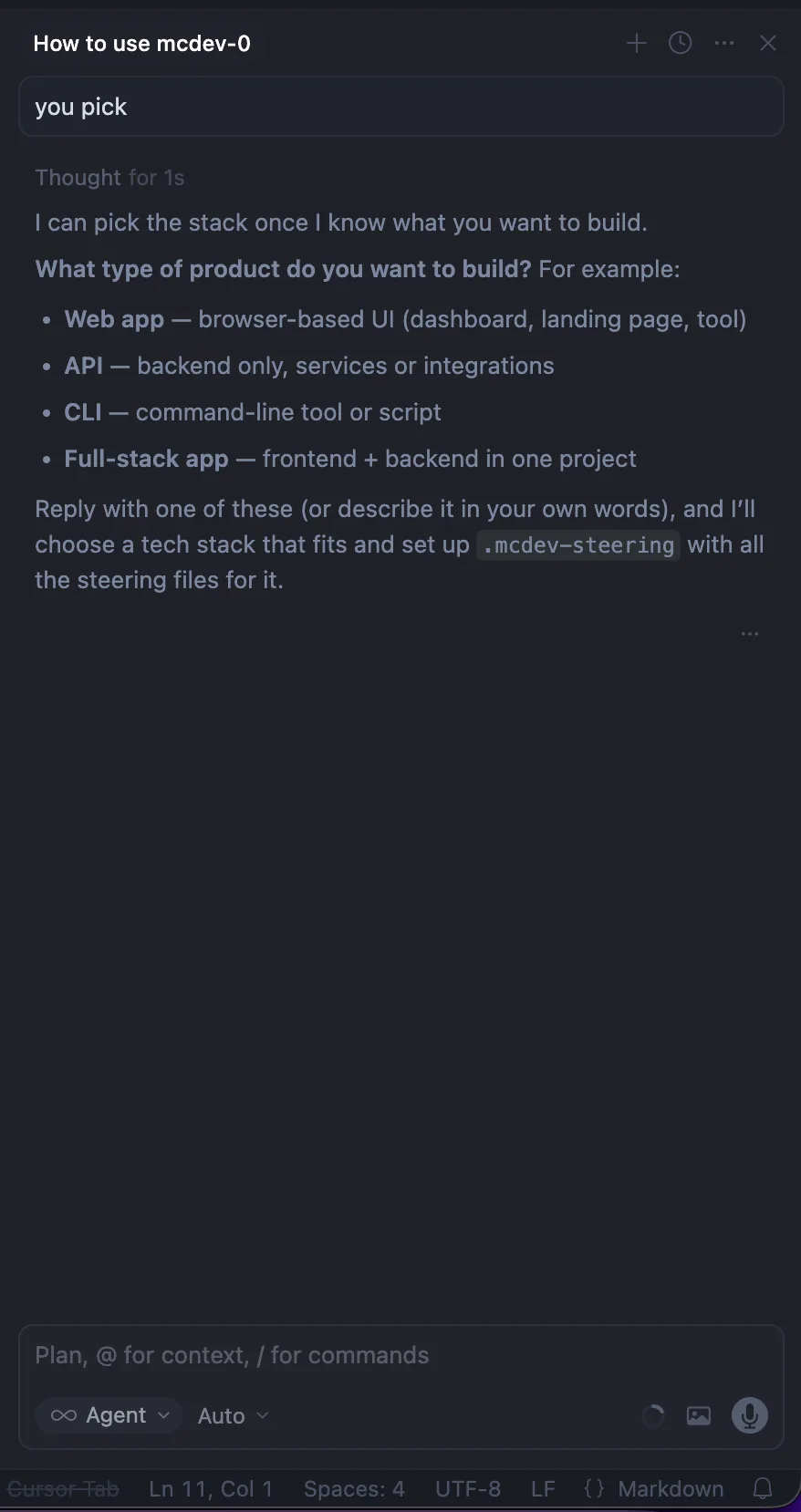
Step 3: Setup
Step 3: Product Type
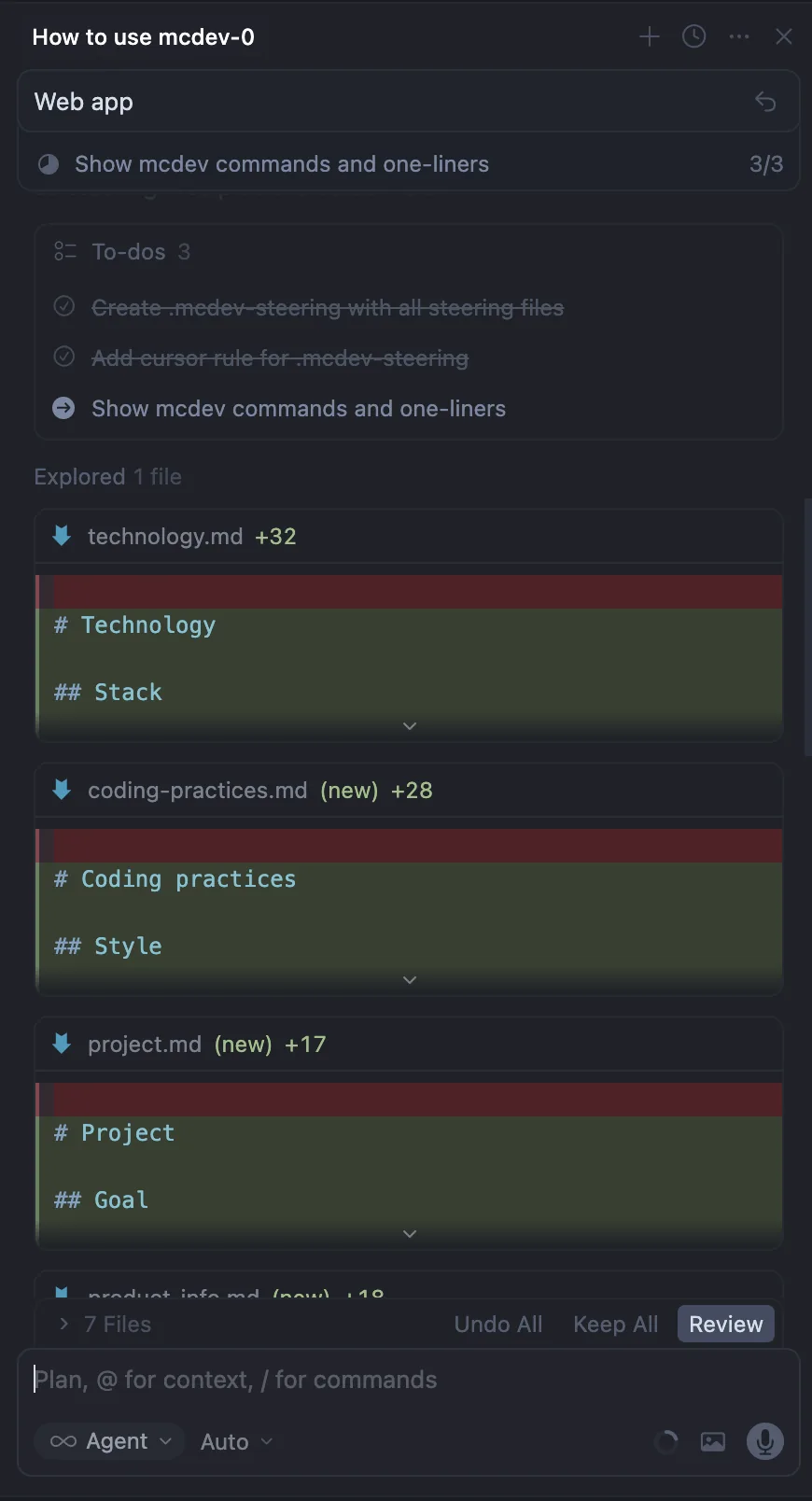
Step 3: Steering Created
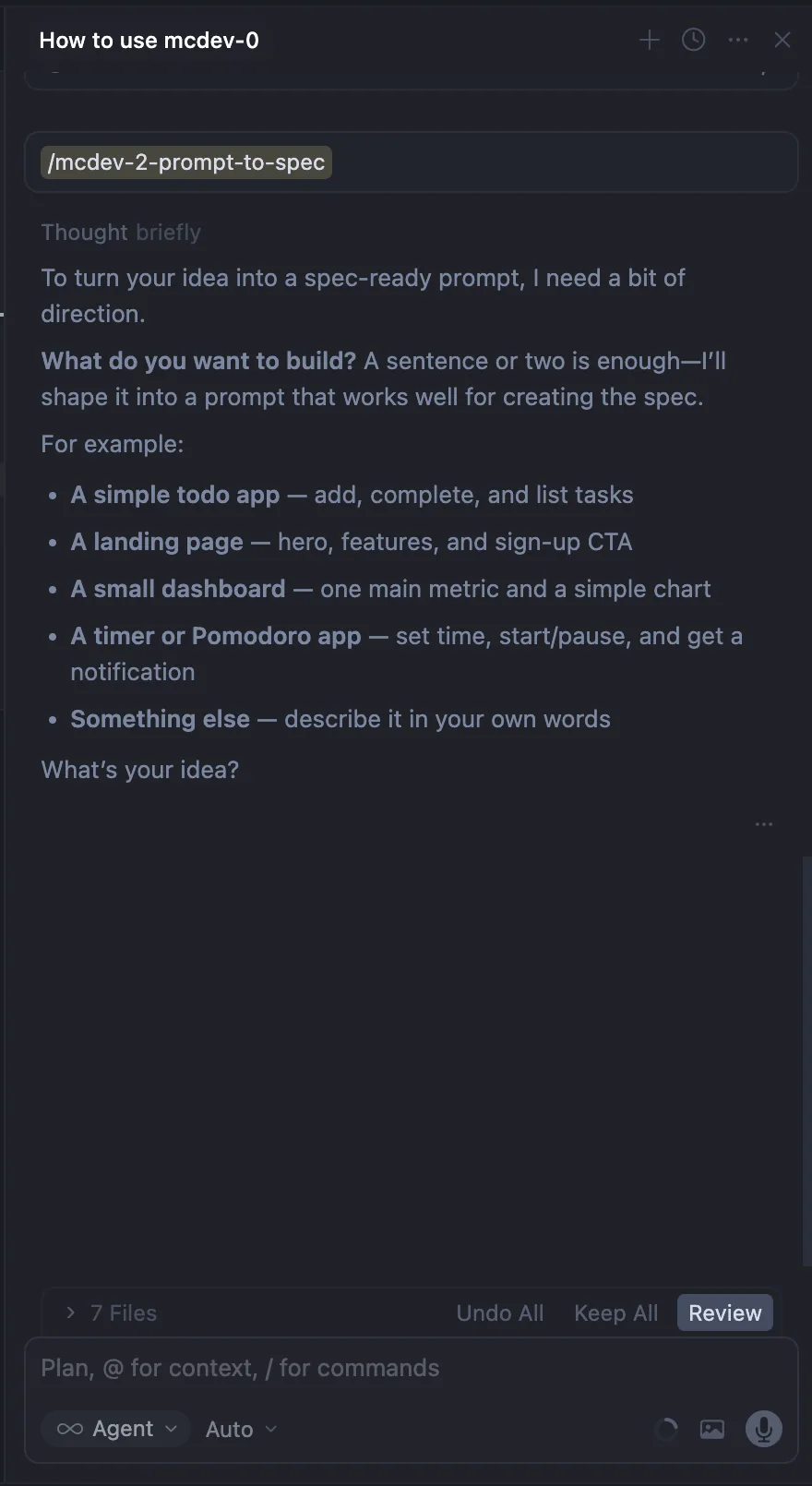
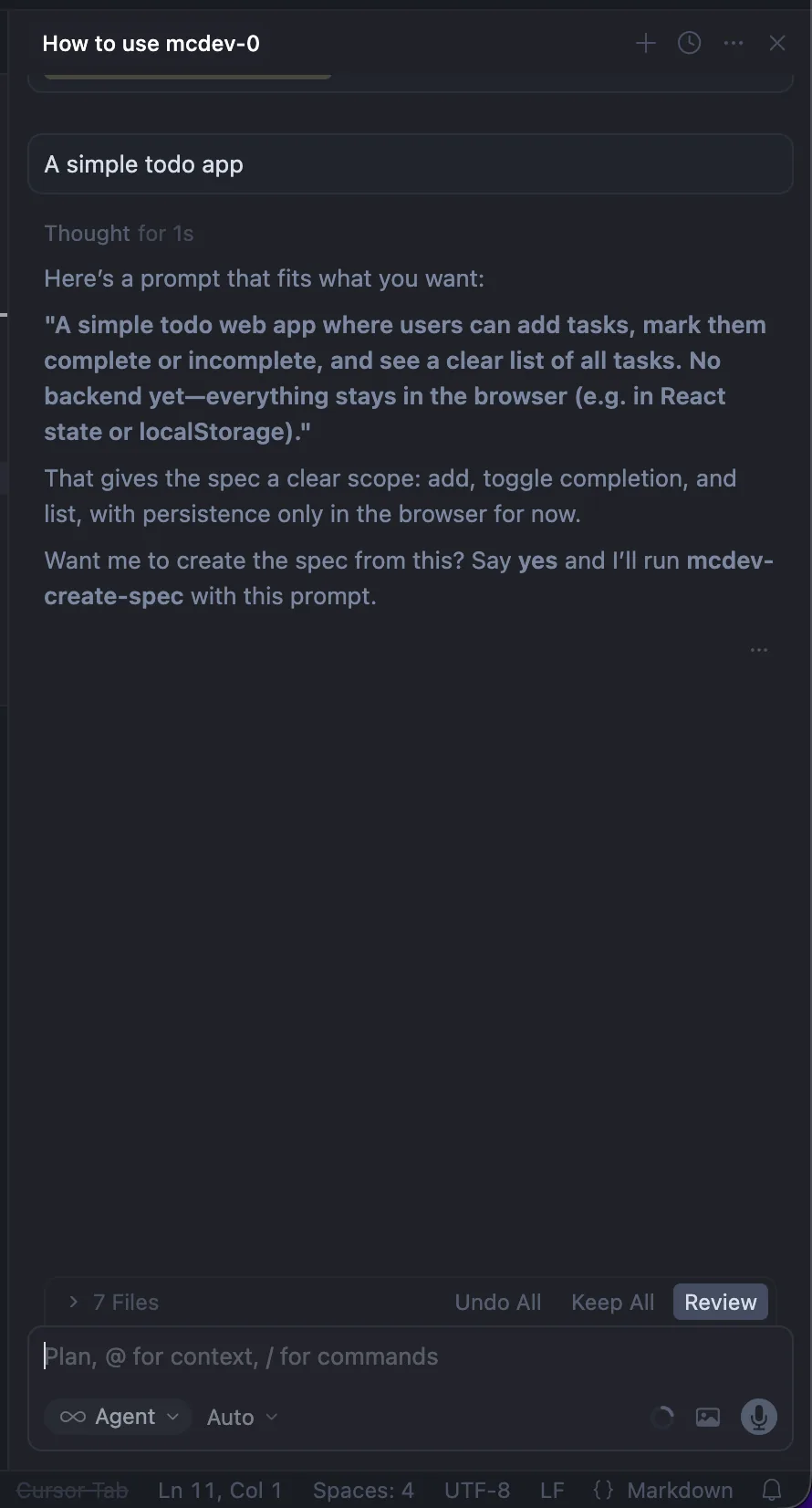
Step 4: Describe Your Idea
Step 4: Prompt Shaped
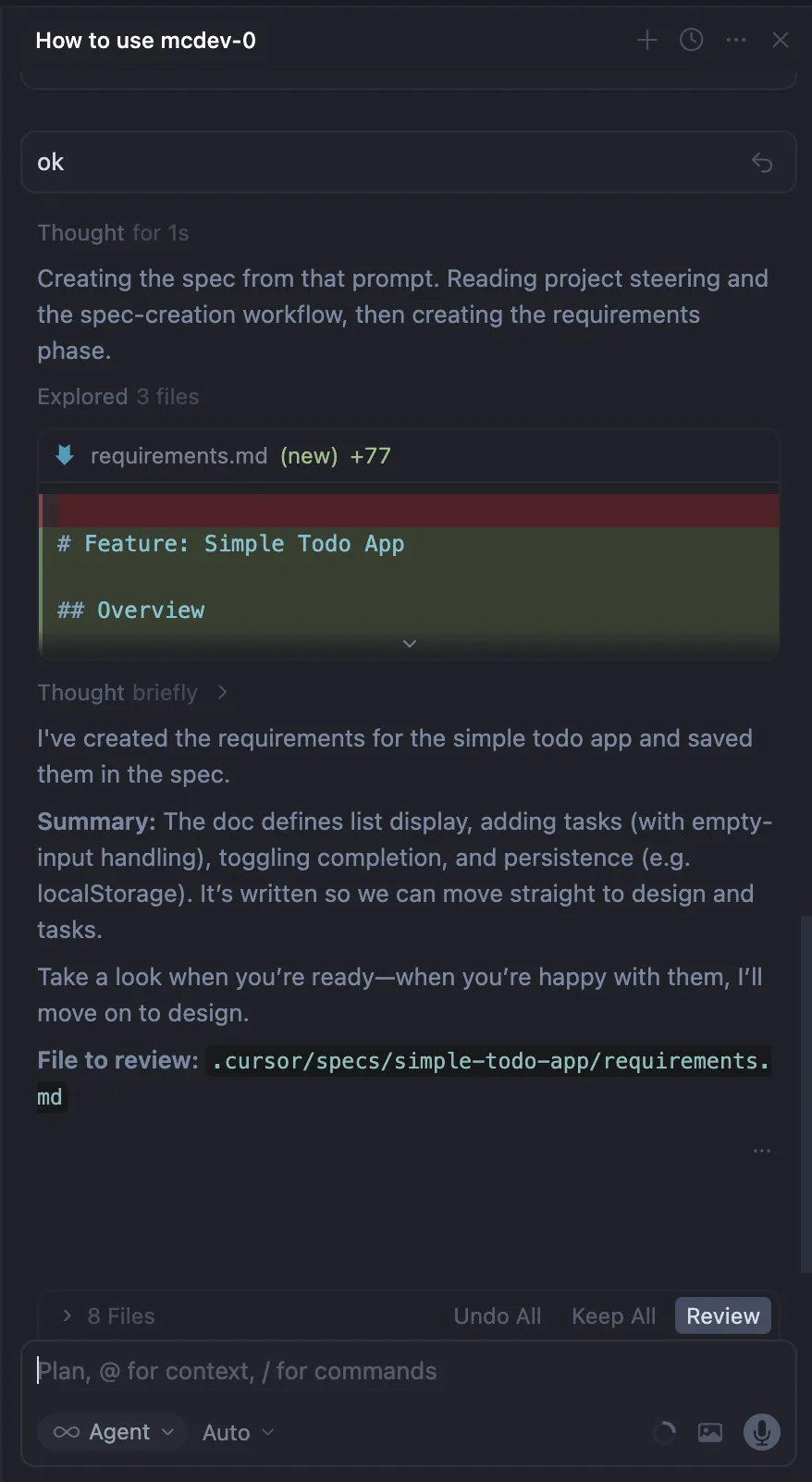
Step 5a: Requirements
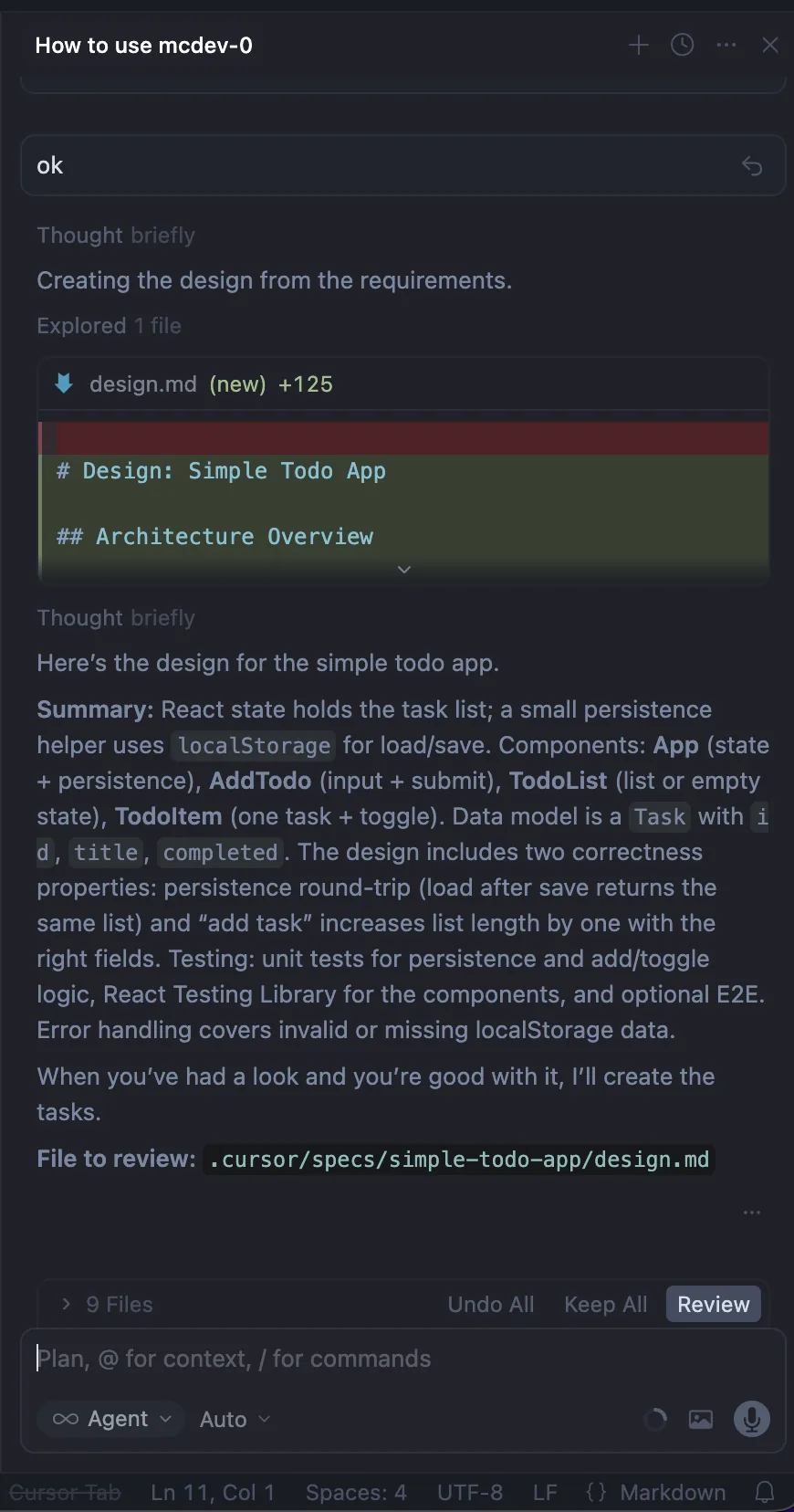
Step 5b: Design
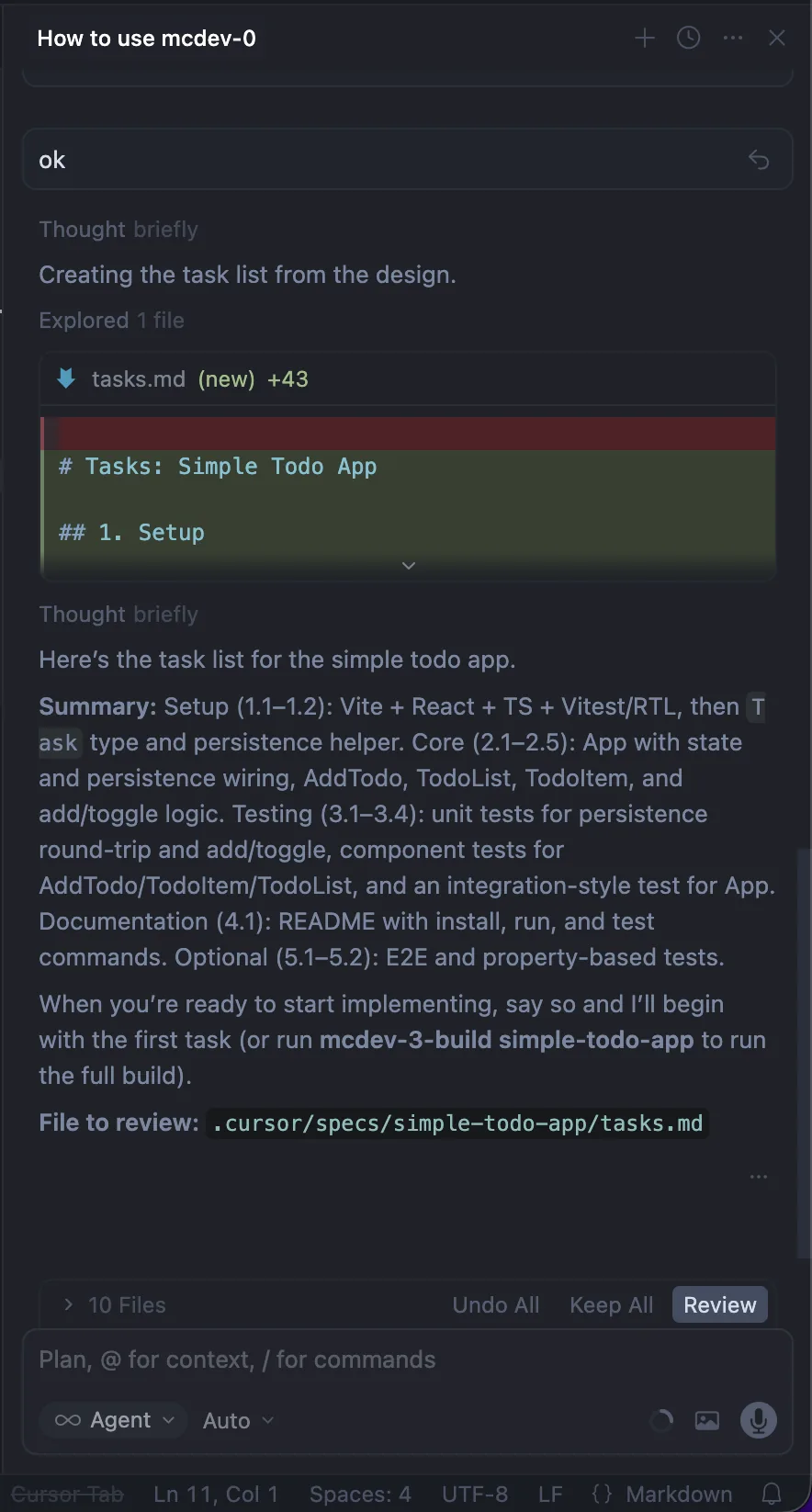
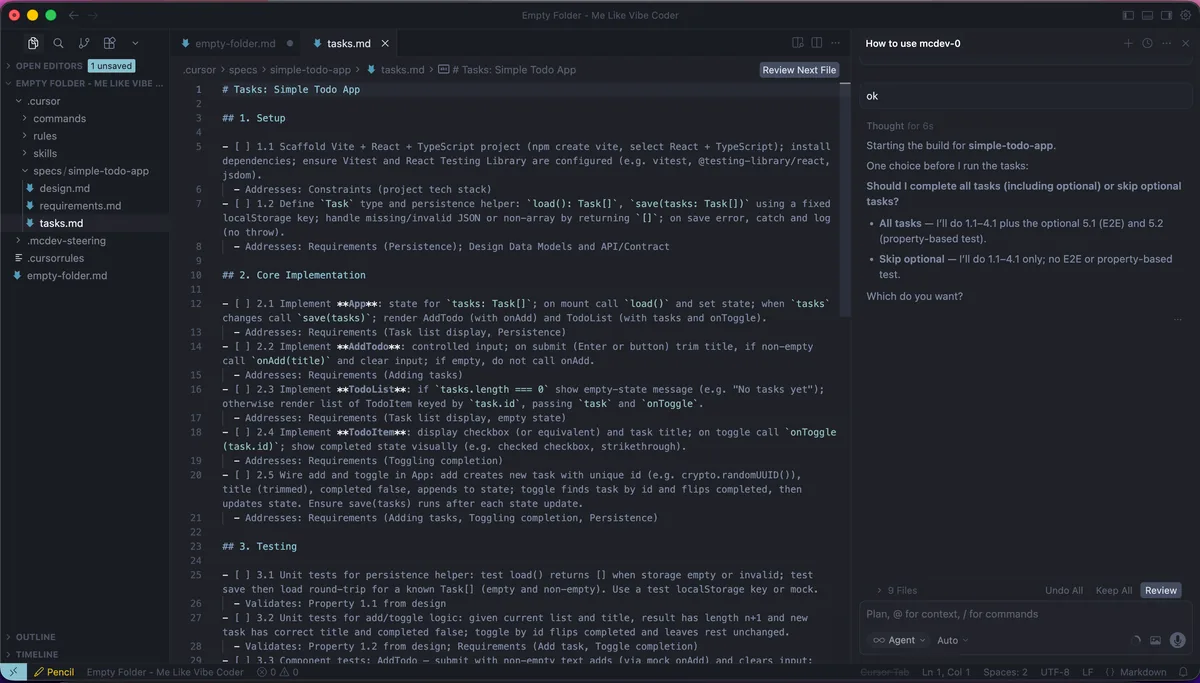
Step 5c: Tasks
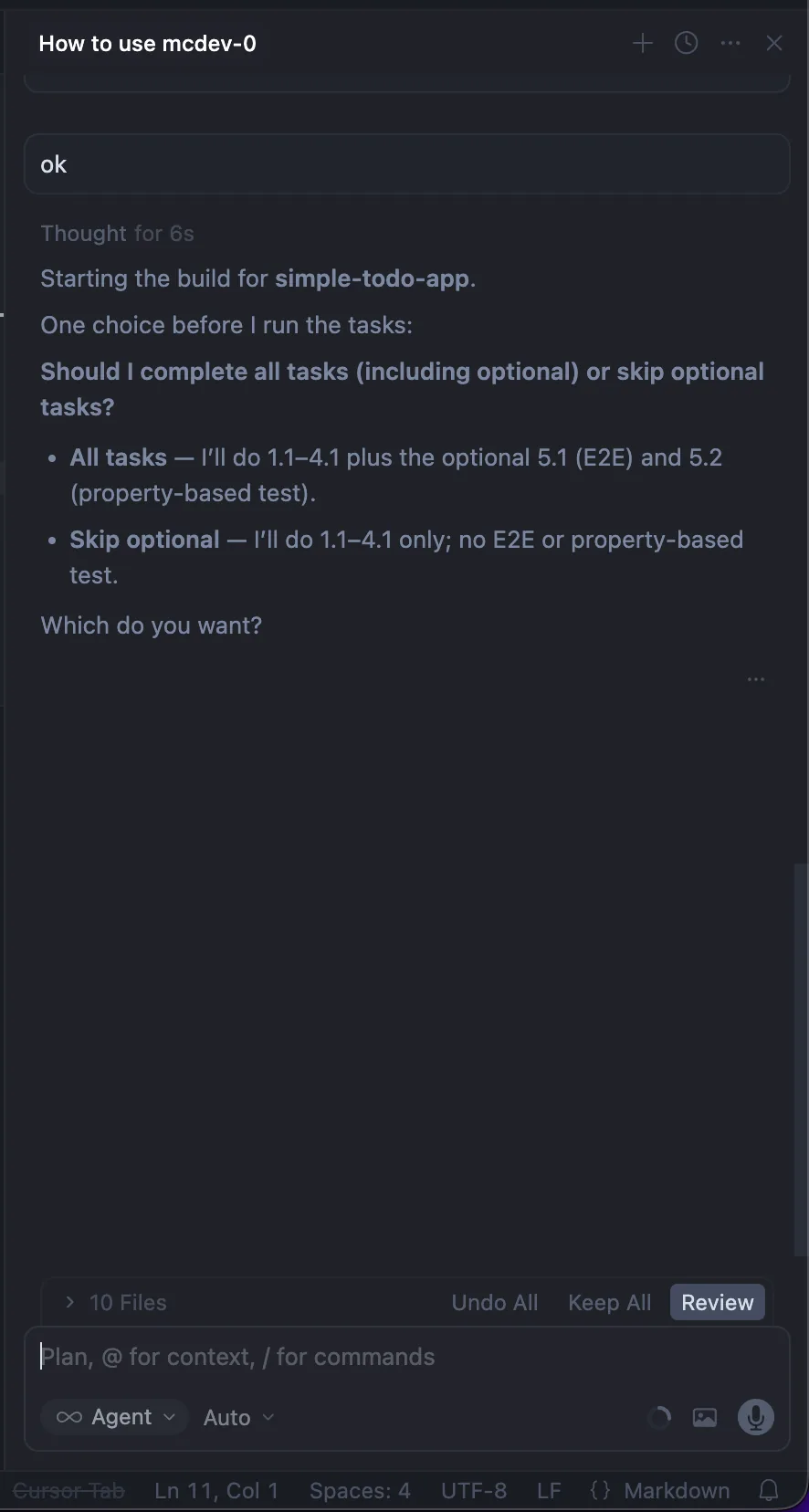
Step 6: Build Options
Step 6: Ready to Build
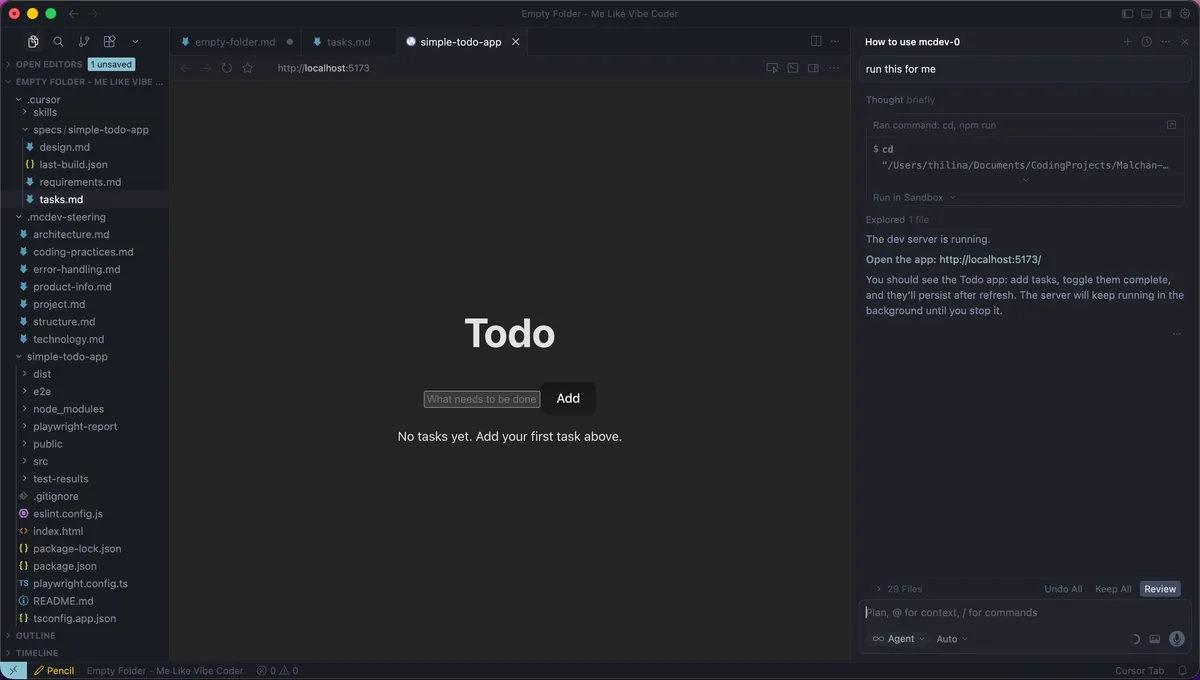
Step 7: Dev Server Running
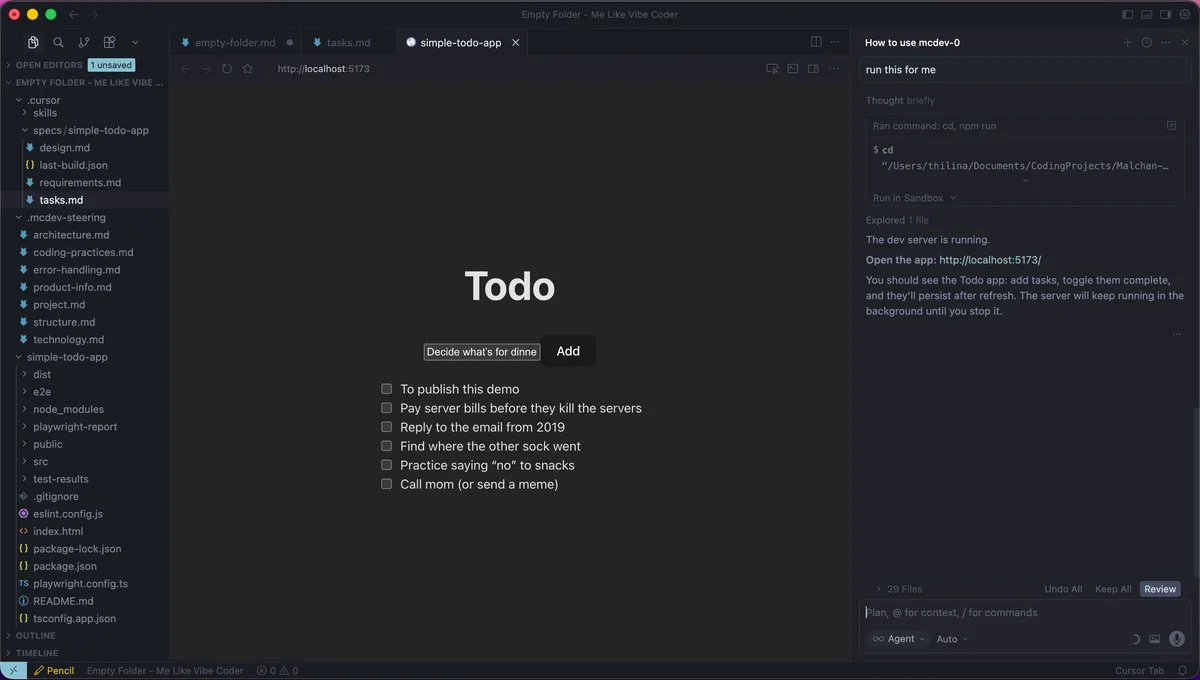
Step 8: Working App

Step 1: Start Fresh

Open an empty folder in Cursor

Step 1 of 16

Ready to try it yourself?

Get Started
The Challenge

The Problem It Solves

Development without structure is like building without a blueprint. Here is what mcdev fixes.

You need a spec that actually runs

No more specs that sit in a drawer. Every requirement translates directly to executable code.

One spec to rule them all

Stop juggling between docs, tickets, and comments. Everything lives in one place.

AI that plans and executes

The agent understands your intent and breaks it down into actionable steps.

Steering that keeps context clean

Your project stays organized with intelligent context management.

This is that: just the great stuff.

Features

Why It is Awesome

Built for developers who want structure without the bureaucracy.

Prompt to spec/improve

Describe your idea in plain English. The agent transforms it into structured specifications.

You approve every step

Stay in control. Review and approve each requirement, design decision, and task before implementation.

.mcdev-steering

Intelligent context management that keeps your project organized and your AI on track.

New or existing project

Start fresh or bring mcdev to your current codebase. It adapts to your workflow.

Specs single source of truth

One document to rule them all. Requirements, design, and tasks in one place.

Steering in sync

Your project context stays synchronized across all AI interactions.

Your project stays in charge. Always.

Deliverables

What You Get

Three pillars of spec-driven development that keep your project on track.

Structured specs

Transform vague ideas into precise requirements. The agent breaks down your vision into actionable specifications that guide every step of development.

requirements → design → tasks

Builds from specs

No more drifting from the plan. Every line of code connects back to a documented requirement, keeping your build focused and intentional.

spec-driven development

Improvements that stay tidy

Iterate without the mess. New features and improvements integrate cleanly, maintaining project organization as you evolve.

clean iterations

Your project stays in charge

Command Reference

Commands

Your toolkit for spec-driven development.

/mcdev-0-how-to-use

Your go-to reminder

Run this anytime to see what all the mcdev commands do.

/mcdev-1-setup-start-here

Run once on a folder

Empty project? The agent asks what tech you want (or picks for you) and creates steering files. Already have code? It can add steering and backfill specs for what you've built, then show you the rest. Highly recommended so the agent can work with you properly.

/mcdev-2-prompt-to-spec

Not sure how to phrase your idea?

Chat for a message or two; the agent shapes it into a clear prompt and offers to create the spec. Say yes and it runs mcdev-create-spec with that.

/mcdev-3-build [feature-name]

Build from a spec

You give the name of a spec; the agent runs the tasks, runs tests, and tells you what was built and where.

/mcdev-4-prompt-to-improve-feature

Not sure which feature or how to phrase the improvement?

The agent asks which feature, finds (or backfills) the spec, shapes your improvement into a prompt, then runs mcdev-improve-feature when you say yes.

/mcdev-create-spec [description]

Create a new feature spec

You describe a feature; the agent writes requirements, then design, then a step-by-step task list. You approve after each part.

/mcdev-improve-feature [feature-name]

Improve an existing feature

You pick a spec and say what you want to improve. The agent drafts a small improvement (requirements, design, tasks) with your approval at each step. When you run it and it's done, the improvement is merged into the original spec and archived. One source of truth.

/mcdev-update-steering

Refresh project steering

Refreshes all files in .mcdev-steering from your current project. Run anytime; the agent also runs it automatically after each build.

Tip: Use square brackets for placeholders, e.g., [feature-name]

Installation

Install & Update

One command to get started. Re-run to update.

install.sh
curl -fsSL https://raw.githubusercontent.com/malchan-git/mcdev/main/scripts/install-mcdev.sh | MCDEV_REPO=malchan-git/mcdev bash

Re-run = Update

Running the install command again updates mcdev without overwriting your custom rules.

What Gets Updated

  • · .cursor/ directory
  • · .cursorrules (merged)
  • · Core scripts

Your custom configurations are preserved during updates

The Story

Why "mc"?

"mc" = malchan

A combination of my parents' names: a reminder that everything we build carries the imprint of those who shaped us.

"I am building things that help people. Tools that make development more intentional, more structured, and ultimately more human."

Repository

What is In This Repo

The essential files and directories that power mcdev.

.cursor/

directory

Core directory containing specs, rules, and agent configurations

Contains:

  • └specs/
  • └rules/
  • └context/

.cursorrules

file

Project-specific rules that guide the AI agent

scripts/install-mcdev.sh

file

One-command installer for setting up mcdev

Ready to get started?